Cloud & DevOps
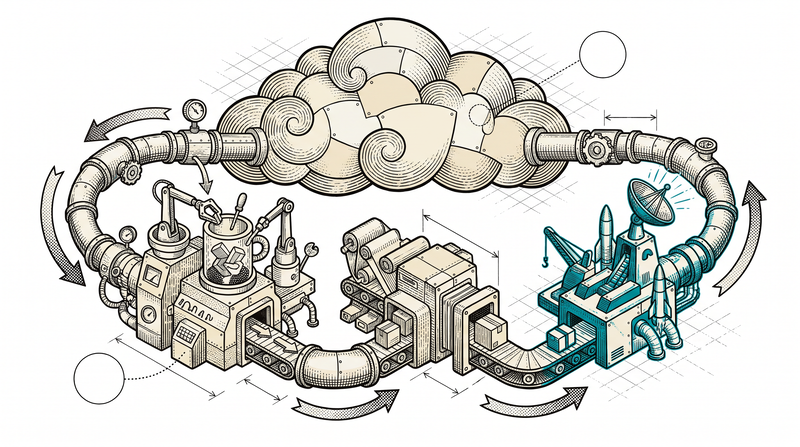
Writing code is half the job; shipping it safely is the other half
A working piece of code is only a promise until it reaches users safely and without interruption. With containerization, an automated deployment pipeline, monitoring and backups we keep your product running — set up so that when a server goes down at night, the system recovers on its own before anyone's phone rings.
We keep our whole sector-product family running under the same infrastructure discipline: each runs in a container, each ships through an automated pipeline, each is monitored. That gives every new client a repeated, proven setup — not an invention from scratch, but a matured method.
- Containerization and automated deployment
- Monitoring, logging and alerts ship as standard
- Backup and disaster recovery are planned
- A discipline proven across our product family
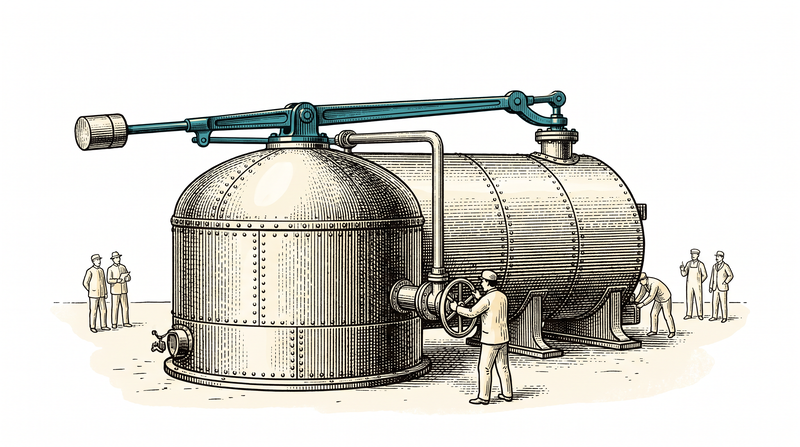
What our DevOps team takes on
Why you need DevOps
Fast & safe releases
Shipping a change to production takes minutes, not hours; the automated pipeline removes manual error.
Automatic scaling
Infrastructure grows when traffic rises and shrinks when it falls; capacity depends on a rule, not a person's guess.
Continuous monitoring
The system is watched around the clock; a problem is noticed by the team before it's noticed by a user.
Predictable cost
Because resource usage is tracked and reported, infrastructure cost is a planned line item, not a surprise.
How we help
We start from where you are, without throwing away your existing infrastructure.
Existing infrastructure assessment
We scan your server, deployment and monitoring setup, and prioritize bottlenecks and risk.
Containerization & orchestration
We move the application into containers, guaranteeing consistency across environments.
CI/CD pipeline rollout
When code merges, testing, building and deployment fire automatically; no manual step remains.
Monitoring & alerting setup
Uptime, log and performance metrics are collected; the team is alerted the moment a threshold is crossed.
Backup & disaster recovery plan
Regular backups and a restore scenario are set up and tested; the plan doesn't stay on paper.
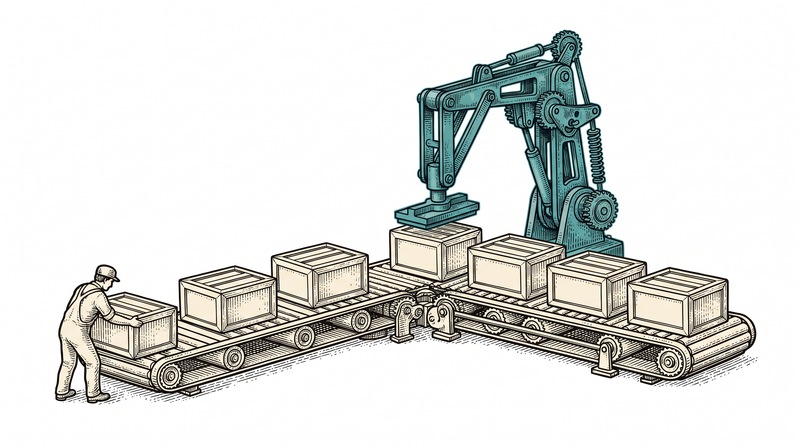
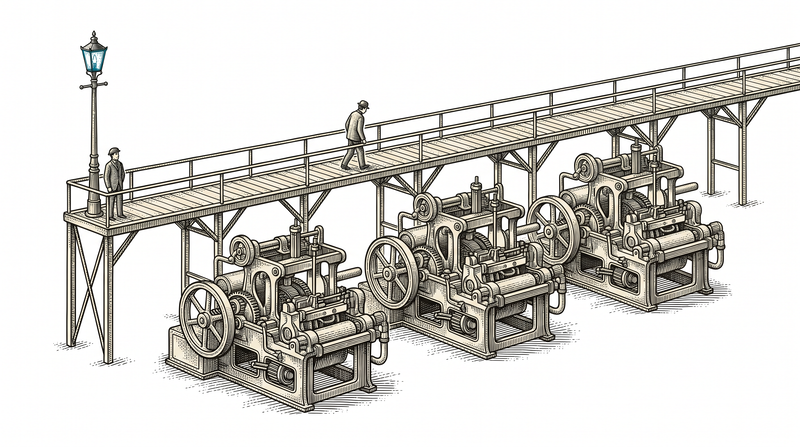
Infrastructure's three ongoing jobs: optimize, watch, manage
Optimization
Resource usage is watched regularly; an idle or over-provisioned resource means needless cost. Auto-scaling rules are tuned to traffic, and a cost report is reviewed monthly.
- Resource usage analysis
- Traffic-based auto-scaling rules
- Monthly cost report
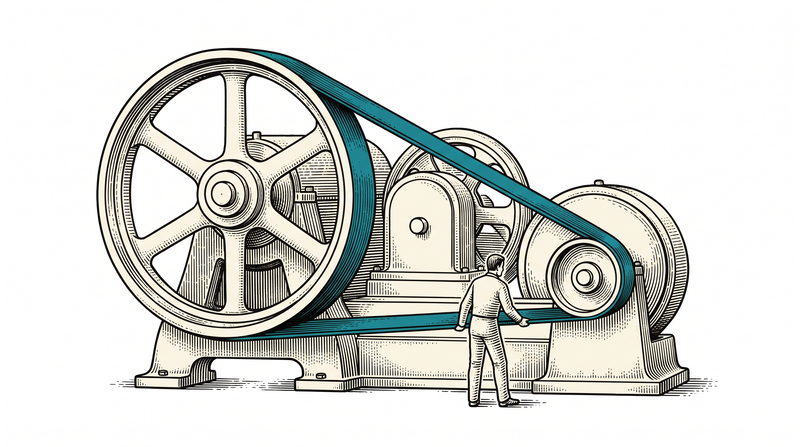
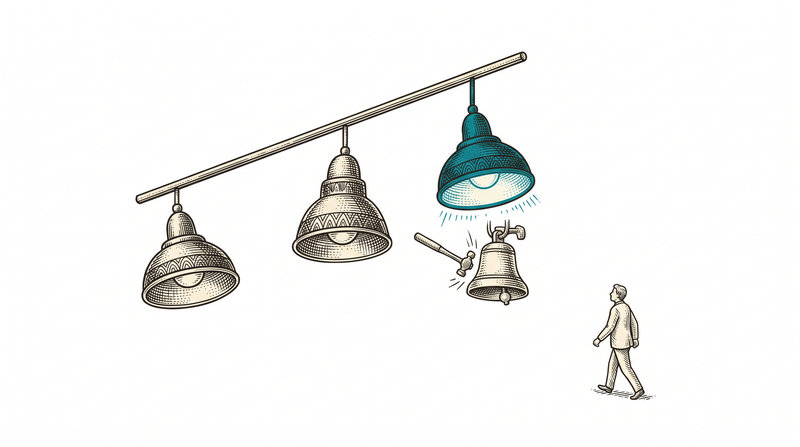
Monitoring & alerting
Log, uptime and performance metrics are collected continuously. When a threshold is crossed the team is alerted instantly; once an incident closes, what happened and how it was resolved is recorded — the same problem doesn't surprise anyone twice.
- Log & uptime monitoring
- Threshold-based instant alerting
- Incident record
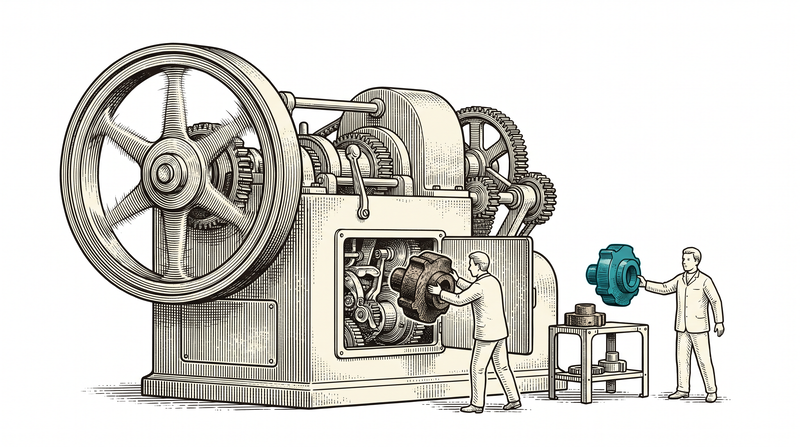
Management & maintenance
Version and dependency updates, security patches and access/permission management run on a regular schedule. This isn't a one-time setup — it's an ongoing responsibility.
- Version & dependency updates
- Security patch application
- Access/permission management
The infrastructure lifecycle
Assessment
We scan the current server, deployment and monitoring state, and clarify the target and the risk.
Containerization
We move the application and its dependencies into containers; environment drift disappears.
CI/CD setup
We wire testing, building and deployment into an automated pipeline; every merge becomes a release candidate.
Monitoring & alerting rollout
We collect log, uptime and performance metrics and set up threshold-based alerts.
Backup & disaster recovery
We set up regular backups and actually test the restore scenario.
Continuous optimization & maintenance
Resource usage, cost and security patches are maintained on a regular schedule.
The technology we build on
- Docker
- Compose
- GitHub Actions
- pipelines
- PostgreSQL
- Redis
- MinIO
- Logs
- Uptime
- alerts
Frequently asked
We already have a server/hosting — do we start from scratch?
No. We first assess your existing infrastructure; what's usable is kept, and what's missing (containerization, automated deployment, monitoring) is added on top.
Which cloud provider do you work with?
The container-based setup is designed to be provider-independent; we can work with your existing provider or one you prefer.
Once CI/CD is set up, does every change ship automatically?
It depends on the rule. A change that passes the test suite can deploy automatically, or require a manual approval step; we configure the pipeline to your risk tolerance.
How quickly are we notified when something goes wrong?
The monitoring system alerts the moment a threshold is crossed; response time depends on your SLA maintenance contract.
What's done against the risk of data loss?
Regular, automated backups are set up and the restore scenario is actually tested — a backup existing isn't enough; it has to be proven to work.
Is this setup too much for a small product?
No. Scope is scaled down to your product; even for a single-server app, containerization, basic monitoring and automated backup are a reasonable starting level.
Let's harden your infrastructure together
We'll listen to your current setup and growth target and map out where to start, together. The first conversation is non-binding.